

If the panel says "no account was found with those credentials" (even though your email and password are correct), it's normal: the panel doesn't use the same login as your astrolnodes.net account.
The fix
Don't log into the panel directly with your credentials. Instead:
- Go to your client area with your Astrol Nodes email and password.
- Open your server.
- Press the "Automatic Login" button (not "Access Panel").
- You'll go straight into the panel without being asked for anything.
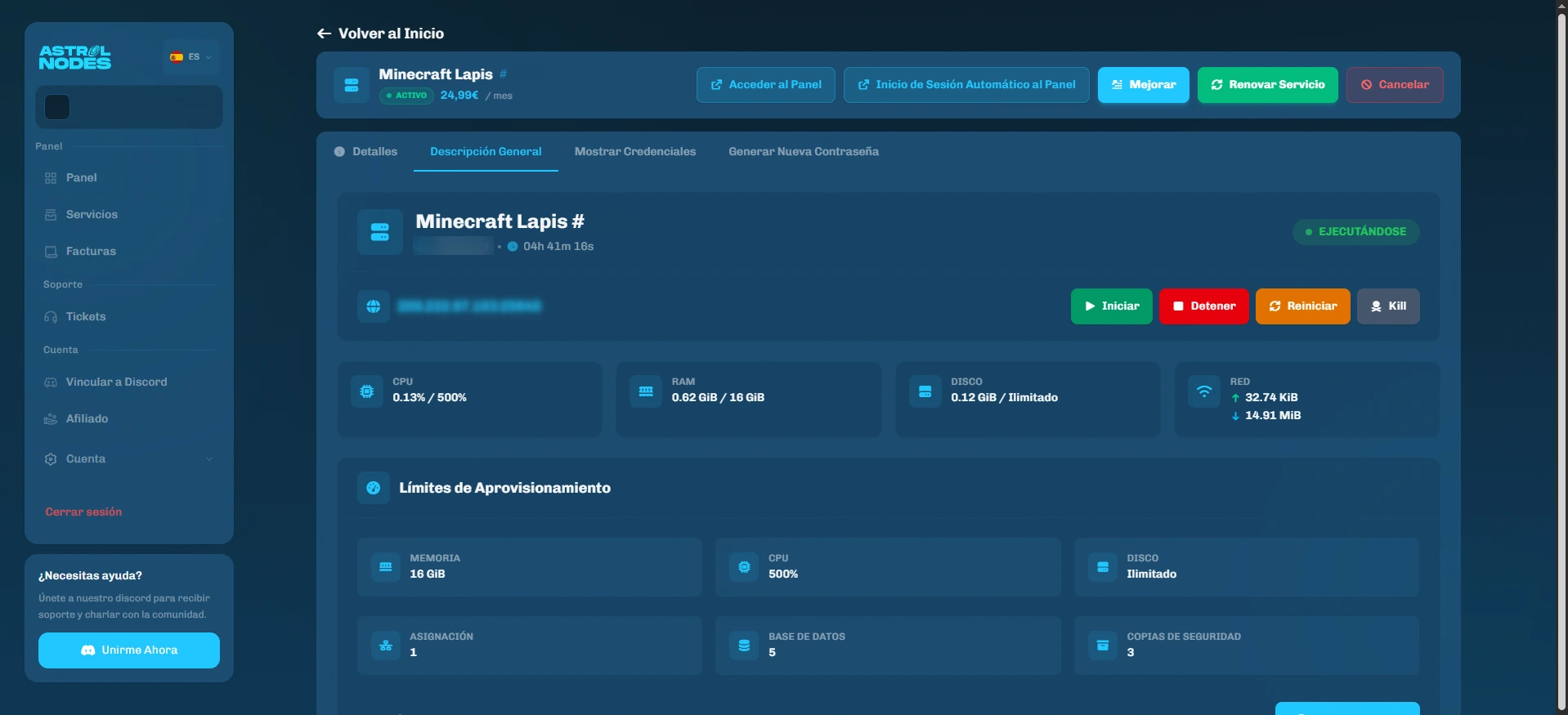
If the "Access Panel" button gives an error, try "Automatic Login": that's the one that connects your account to the management panel.
Was this article helpful?
Need more help?
Open a ticket and the support team goes through it with you.